Troubleshooting Guide for the Cloud System
What Cloud System Actually Is
This is a telemetry cloud server that connects to your vending machine through a telemetry device (MDB interface board).
It allows you to remotely monitor:
Machine temperature
Sales
Cash and cashless payments
Machine status (online/offline)
Errors and alarms
Compressor and cooling status
Door open events
Product stock levels (if enabled)
Think of it like remote control + live monitoring dashboard.
How the System Works (Architecture)
Basic flow:
Vending Machine
↓
MDB Interface Board (ita xyznet telemetry device)
↓
SIM card / WiFi
↓
Internet
↓
ITA xyz Cloud Server
↓
Your browser (dashboard)
Your machine sends data every:
10 seconds to 5 minutes (depending on configuration)
Login Page
You access:
https://www.xynetweb.com/#/login
You enter:
Username
Password
After login you will see the Main Dashboard
Main Dashboard Overview
Sections include:
Machines List
Shows all machines connected.
Columns usually show:
Machine name
Machine ID
Online / Offline
Temperature
Last communication time
Location
Status Meaning
Online Machine connected and sending data
Offline No communication
Alarm Problem detected
Click on a Machine → Machine Details Page
This is the most important page.
You will see sections like:
A. Real-Time Status
Shows:
Current temperature
Compressor status
Power status
Door status
This helps diagnose cooling issues.
Parameter Meaning
Temperature Inside cabinet temperature
Compressor ON / OFF
Door Open / Closed
MDB StatusCommunication OK
Sales Data
Shows:
Daily sales
Weekly sales
Monthly sales
Includes:
Cash sales
Cashless sales
Product sold count
You can see which products sell most.
Events / Logs
Shows history like:
Machine powered on
Door opened
Temperature alarm
Communication lost
Very important for troubleshooting.
Example:
14:32 Compressor ON
14:50 Temperature 24°C alarm
15:02 Door opened
Temperature Graph
Shows temperature over time.
This is critical for diagnosing cooling problems.
Example graph pattern:
Good machine:
4°C → 5°C → 4°C → 5°C
Bad machine:
20°C → 23°C → 24°C → rising
This confirms cooling failure.
Alerts / Alarm Section
Shows alerts like:
High temperature alarm
Door open too long
Communication lost
Payment failure
How to Check if Compressor Is Running Using Cloud
Look at:
Status → Compressor
If:
Compressor = ON
Temperature rising
This means:
Cooling system failure.
How to Check Machine Connectivity
Look at:
Last Communication Time
If recent:
Machine OK
If old:
Machine offline
Possible causes:
No power
SIM issue
Telemetry device failure
How to Check Sales
Go to:
Machine → Sales → Daily / Monthly
You will see:
Total revenue
Total transactions
Product performance
How to Detect Faults Early
Check daily:
Temperature graph
Offline time
Alarm logs
Early detection prevents compressor damage.
Most Important Pages You Must Learn
Priority order:
1. Machine List
2. Machine Detail
3. Temperature Graph
4. Events Log
5. Sales Report
Common Professional Workflow (Used by Vending Operators)
Every morning:
Check:
Machines offline
High temperature alarms
Sales report
This takes 2 minutes and prevents major problems.
Most Important Telemetry Parameters to Watch
Always monitor:
Temperature
Compressor status
Offline alerts
Door open alerts
Professional Tips
If temperature rises above:
8°C → Warning
12°C → Cooling failure
20°C → Serious refrigeration problem
Food safety risk.
Pro Tip
Audit Report = Real money inside machine
Sales Report = Transactions recorded
Always use Audit for collection reconciliation.
Cloud Step by Step Tutorial (Add Products, Arrange Tray)
https://www.youtube.com/watch?v=EbQZnHZxQg4
Cloud Tutorial Part 3: How to see the overall of your tray.
https://www.youtube.com/watch?v=Z9mNfkVEHE4
Cloud Turorial: How to arrange products on the tray
https://www.youtube.com/watch?v=aM5-RnDC5t0
Cloud Tutorial: How to download sales transaction on Excel
https://www.youtube.com/watch?v=emcaZaeYQHQ
How to see your vending machine sales on Cloud - Daily, Monthly & Annually
https://www.youtube.com/watch?v=saxFnarr4KI
Cloud Guide: Do not delete a product in the cloud
https://www.youtube.com/watch?v=oh77Y6mtVgc
Cloud Tutorial: How to download sales transaction on Excel
https://www.youtube.com/watch?v=4n7fBodai6I
Itadish Aftersales Youtube
NO PROMO THIS MONTH
QUICKLINKS
First time owner guide
Must know before buying Android
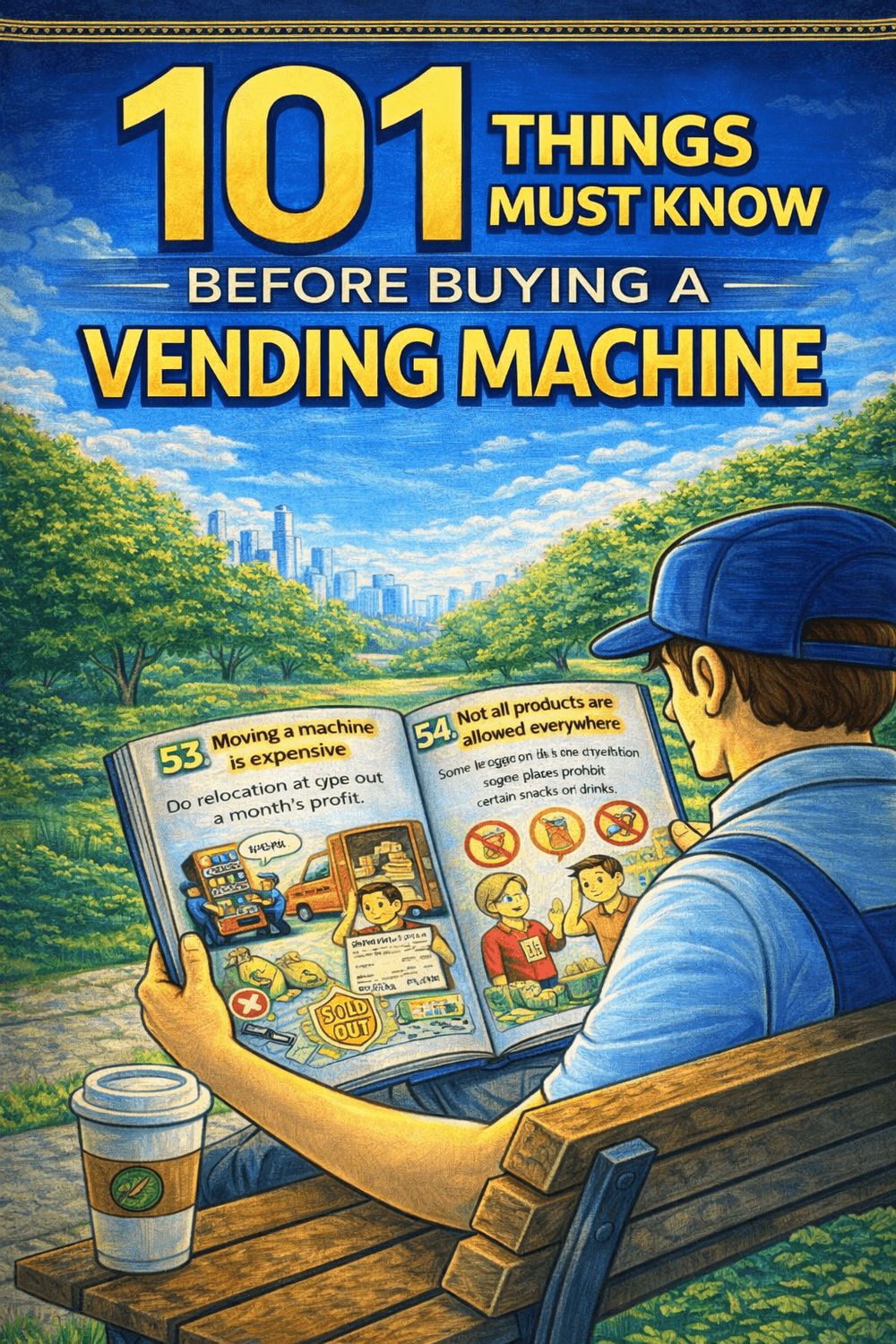
Buy this ebook before purchasing a vending machine. Money back after you purchase a unit.
We are a vending solution provider that can handle all of your needs. Vending machines, system servicing, logistics, product procurement, and location search are all part of our comprehensive approach.
+63 976 093 3901
Vending Machine Ph by Itadish 2025